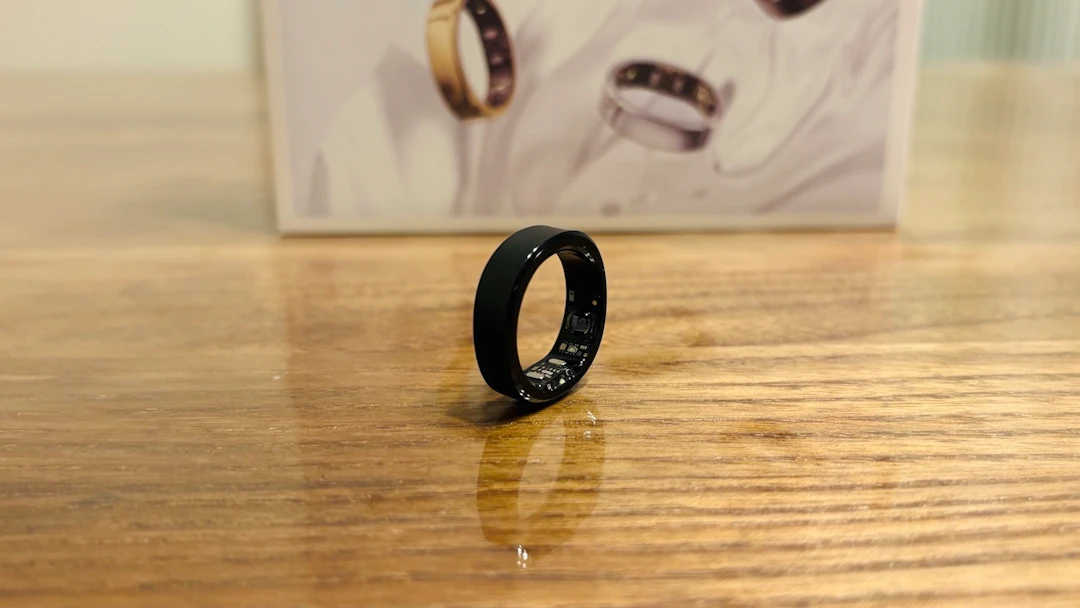
RingConn shipped the Gen 3, the long-awaited follow-up in the series, at the end of May 2026.
It finally adds the vibration alerts people have been asking for since the Gen 1, throws in a brand-new vascular health feature, and still charges no subscription — all for $349.
That last part is the whole pitch. In a market where the Oura Ring and the Galaxy Ring either lock features behind a monthly fee or lean on a wider ecosystem, RingConn's argument is simply that you pay once and you're done.
Still, with sleep and health tracking having everyone's attention right now, dropping $349 in one go takes a bit of nerve.
So this RingConn Gen 3 review covers the things I could actually measure: the day-by-day battery curve, a head-to-head heart rate comparison against a wrist tracker, and how far off the sleep detection really is. I've worn it for about a month.
RingConn Gen 3 price and specs
Starting with the objective stuff. The RingConn Gen 3 is a smart ring that started shipping on May 29, 2026. Three finishes — Future Silver, Royal Gold, and Matte Black — are $349; Brushed Silver and Brushed Rose Gold are $369. The measurements it takes are more or less carried over from the Gen 2; the big change is a vibration feedback motor that enables "smart vibration alerts."
Price | $349–$369 (varies by finish) |
|---|---|
Availability | Shipping since May 29, 2026 |
Finishes | Future Silver / Royal Gold / Matte Black / Brushed Silver / Brushed Rose Gold |
Materials | Titanium alloy / medical-grade epoxy / PVD coating |
Thickness / weight | 2.3mm / 2.5–3.5g (varies by size) |
Sizes | 6–15 (10 sizes) |
Battery life | 10–12 days with vibration alerts on / 11–14 days off |
Charge time | About 90 minutes for the ring / about 120 minutes for the case |
Water resistance | IP68 / 10 ATM (100m, 328 ft) |
Sensors | Optical heart rate sensor / temperature sensor / 3-axis accelerometer / vibration feedback motor |
Connectivity / OS | Bluetooth 5.0 / iOS 17.0 or later / Android 10.0 or later |
App integrations | Apple Health / Google Health Connect |
Key features | Vascular health trends / smart vibration alerts / sleep analysis / heart rate, HRV, SpO2, respiratory rate, skin temperature, and stress monitoring |
Subscription | Not required |
The thing to hold onto is that you get this feature set with no subscription. Unlike Oura, where a monthly fee unlocks the data, you pay $349 and nothing after that. The measurements are close to the Gen 2's; the generational difference is vibration alerts and the extra weight that comes with them — weight you can't actually feel on your finger.
What I learned actually using it
The ring that arrived after sizing was neither tight nor loose
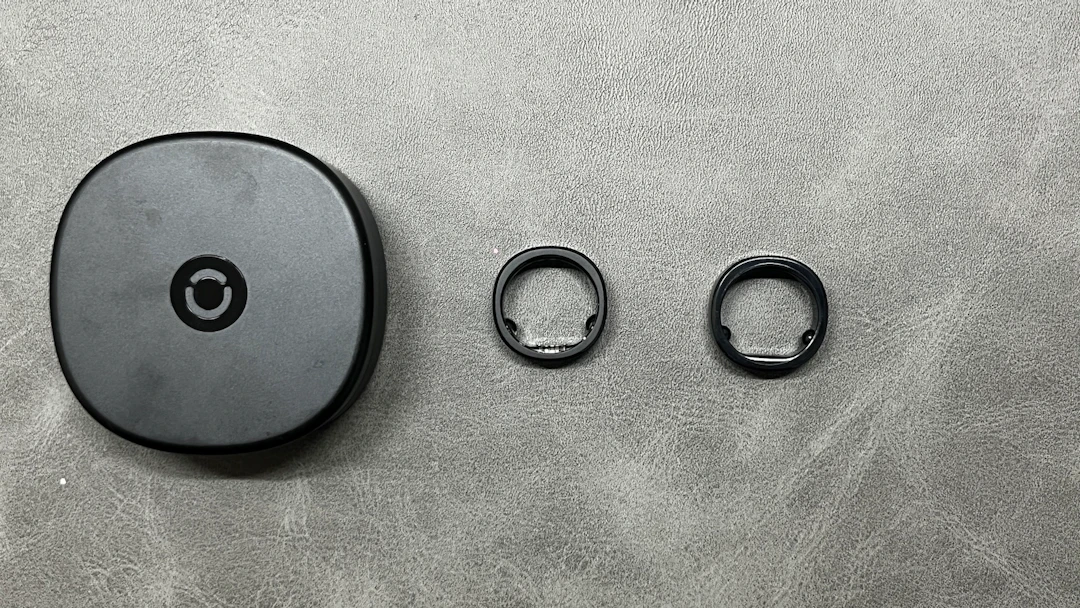
Everything about comfort starts with whether the size is right. With the RingConn Gen 3 you measure with the sizing kit before you order, and the ring that showed up was exactly the same shape as the sizer. So it wasn't tight, it wasn't loose, it just slid into place.
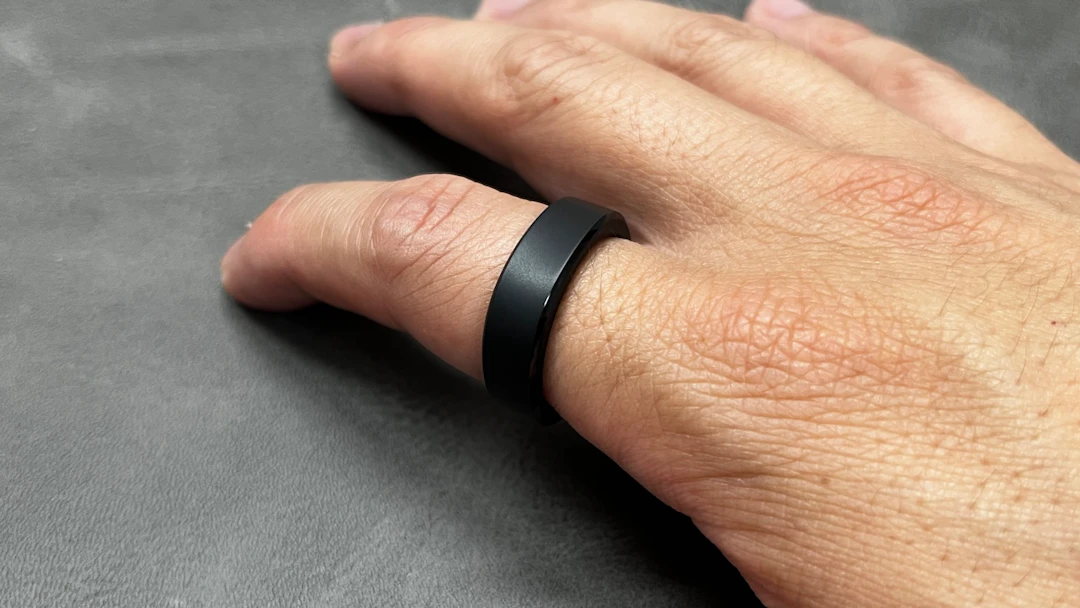
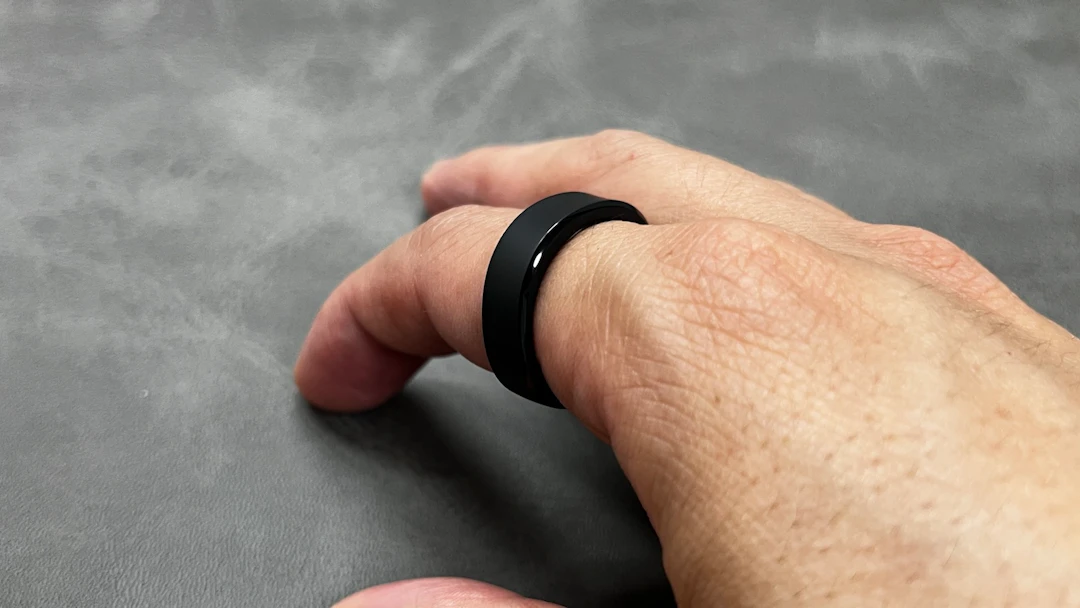
The feel doesn't change between sleeping and daytime either, so you can basically leave it on. It's heavier than the Gen 2, exactly as the spec sheet says, but honestly I couldn't detect it on my finger. The titanium alloy gives it real visual presence, and almost no felt weight.
Sleep detection landed within ±5 minutes; heart rate is strongest during exercise
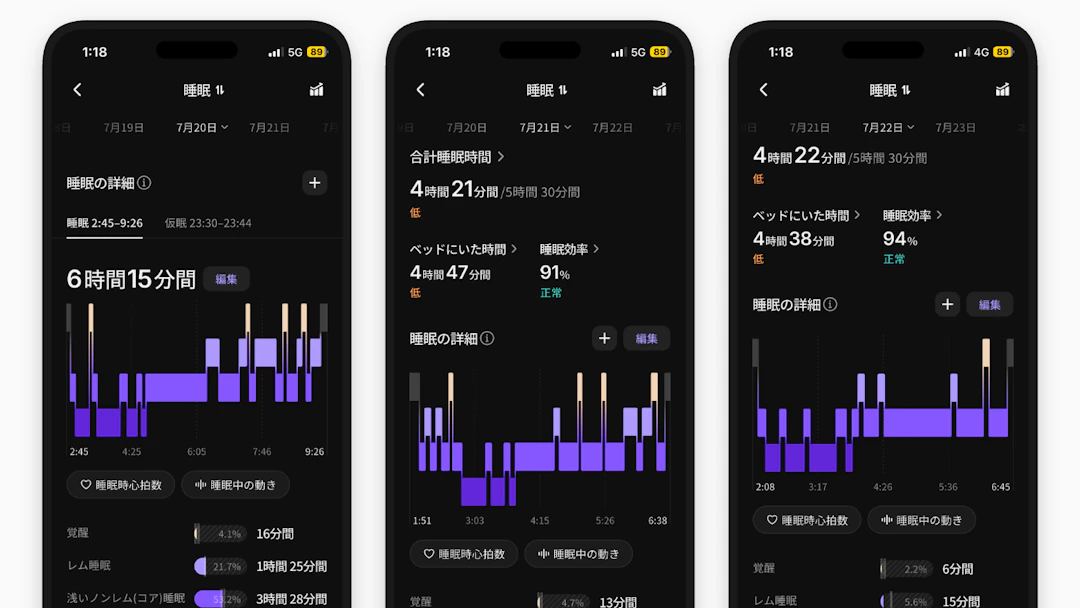
My use ended up centered on sleep and general daily tracking. I checked sleep detection against my actual times over three nights, and the error was around ±5 minutes. That's accurate. When something does look off, you can correct it with the app's edit function.
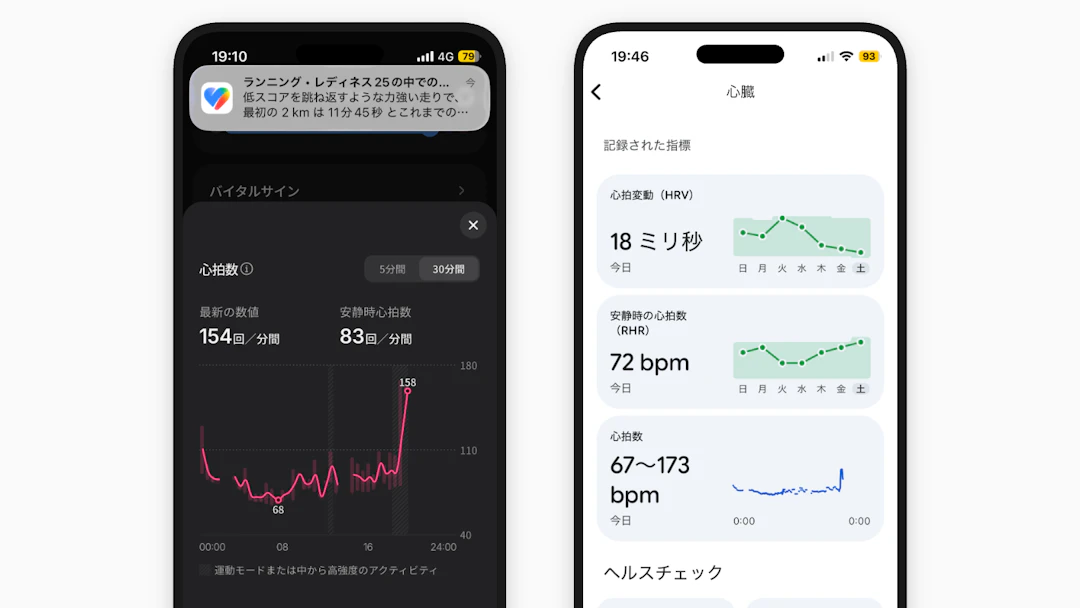
For heart rate I compared it directly against a Google Fitbit Air under the same conditions. At rest: RingConn 83 bpm vs. Fitbit 72 bpm. After a roughly 2.5-mile jog: RingConn 154 bpm vs. Fitbit 173 bpm. There's some spread, but nothing that bothered me.
What was more interesting was during exercise. A wrist band inevitably shifts once you're moving, so the sensor loses contact; a finger stays pressed against the skin, so it doesn't wander. For stability while you're actually moving, the finger won by a wide margin.
Vascular health trends is a "watch you around the clock" feature
The headline vascular health trends feature does not take a spot blood pressure reading. It monitors the strain on your blood vessels continuously, 24/7, drawing on lifestyle and sleep data, and visualizes the long-term change in the app.
Expect the wrong thing from it and you'll be disappointed, so I've written the caveats out properly in the "what to know before you buy" section below.
The app data is easy to read — put it in a widget
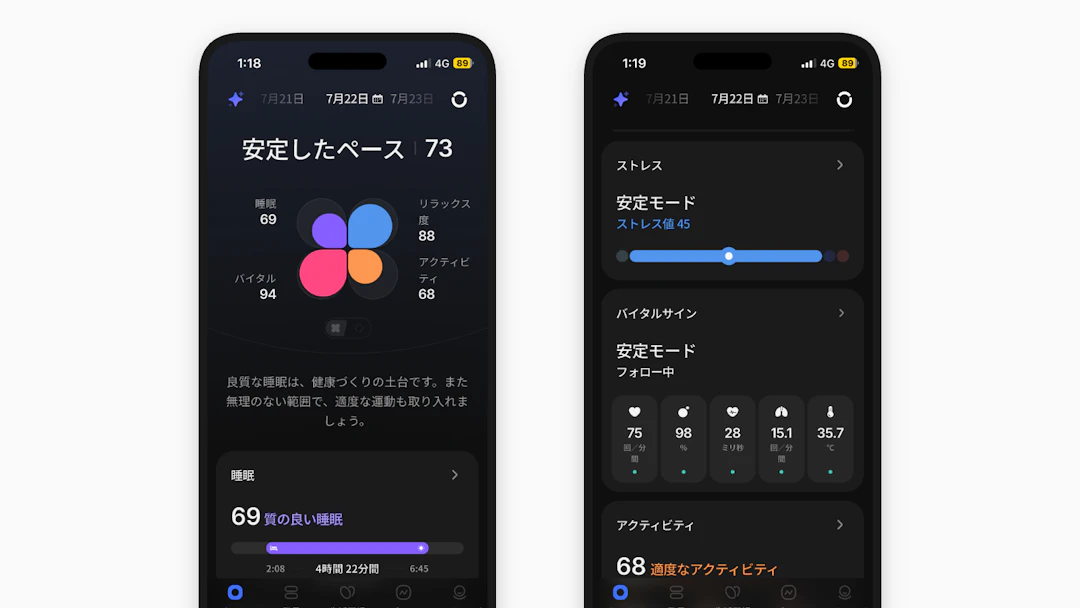
The app presents data clearly. Numbers and graphs read at a glance, and details are one tap away. It syncs with Apple Health too, so it works if you want everything in one place.
What I'd personally recommend is adding the metrics you care about to a widget on your phone's home screen. It forces the numbers into your field of view, and tapping one drops you into the app. That single bit of setup does a lot to soften the "you never open the ring app" problem I get into below.
13 days of battery — with vibration alerts turned on
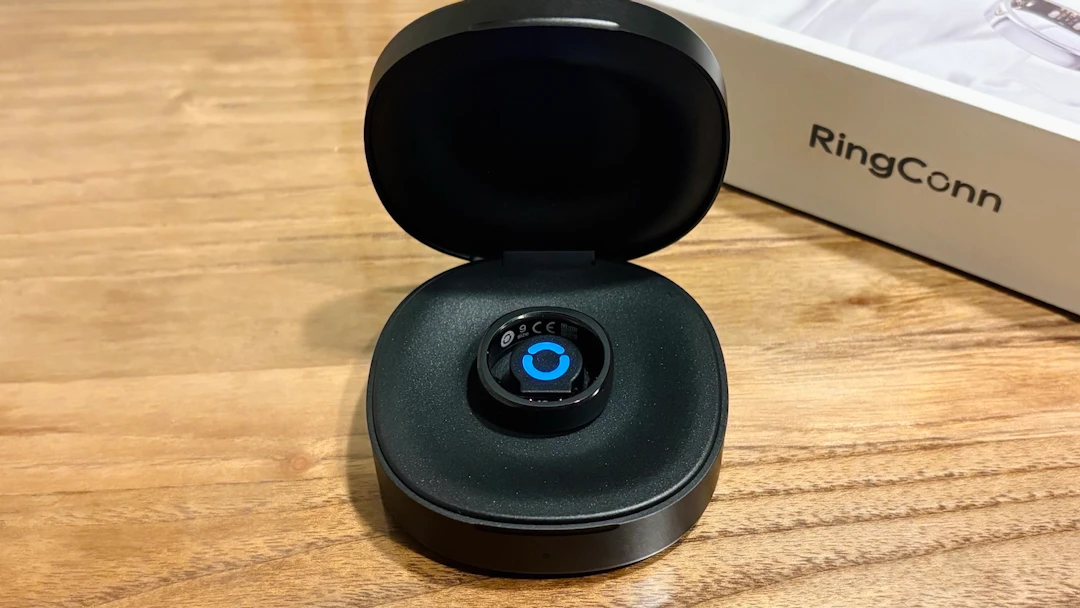
This is the part I most wanted to write about. The official battery figures are 11–14 days without vibration alerts and 10–12 days with them. I measured it on a size 9 with vibration alerts on — the more demanding of the two.
Starting from 94% on the morning of day one, it reached day 13 at 4%. That beats the official claim even with alerts running. Here's the curve.
- Day 1 morning 94% → Day 2 84% → Day 3 77% → Day 4 70%
- Day 5 64% → Day 6 57% → Day 7 49% → Day 8 39%
- Day 9 32% → Day 10 25% → Day 11 18% → Day 12 11% → Day 13 4%
Graphed out it's a clean downward slope, but look closely and some days drop harder than others. When I checked, the high-drain days lined up exactly with the days an alert fired. Buzzing does cost you — now I have the numbers to prove it.
In practice, though, most people will take the ring off and drop it in the case at some point in the day. It charges itself right then, so battery life stops being something you think about. That "oh, it's already charged" feeling counts for a lot.
What to know before you buy
The RingConn Gen 3 is a good product, but the ring form factor brings a few snags with it. Better to hear them now than after you've paid.
You have to size with the kit before ordering
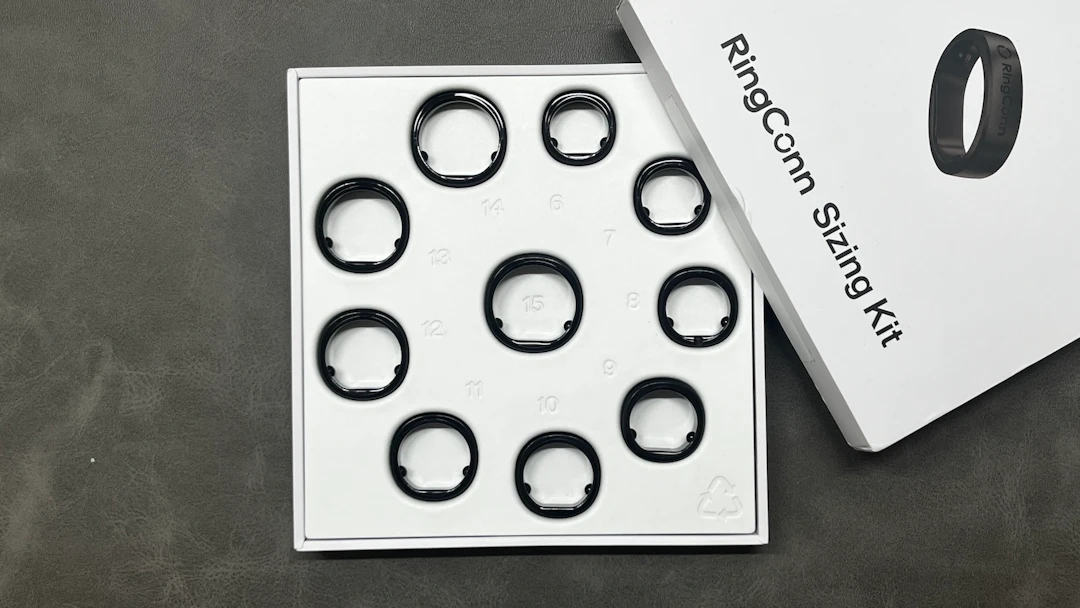
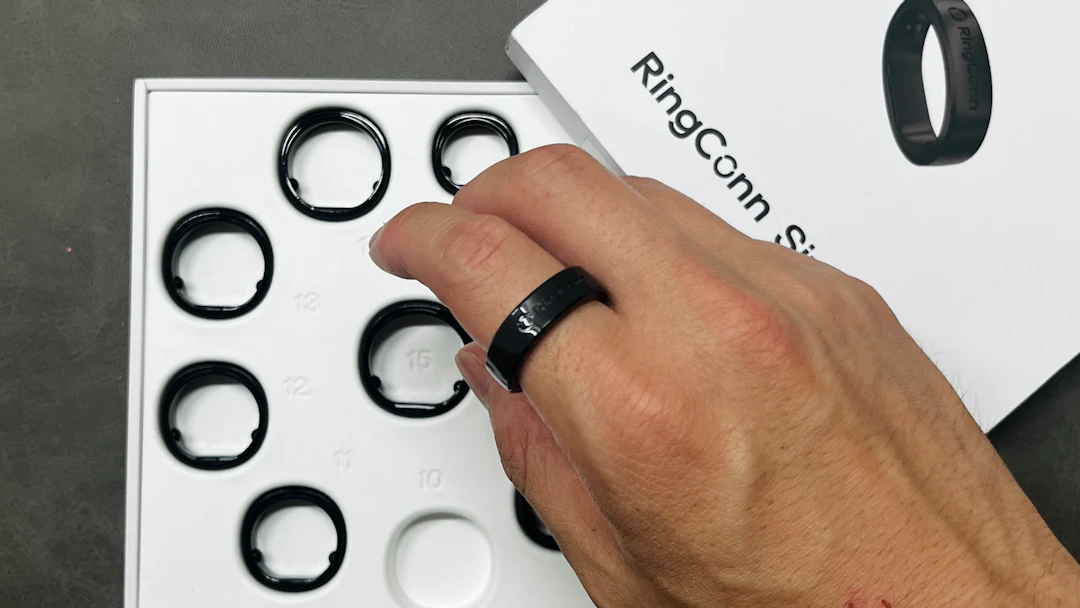
RingConn sends you a free sizing kit and you measure before you order. At around $349 this isn't a cheap purchase, so it's worth doing carefully instead of rushing it. The kit takes a few days to arrive, which is the real cost — factor it into when you want the ring on your finger.
The catch is that RingConn's sizes don't line up with standard ring sizes, and the Gen 3's don't even line up with earlier RingConn models. When I bought the Gen 2 I wrapped a piece of string around my finger, measured the circumference, and worked out the size myself. I wouldn't recommend that to anyone, and I especially wouldn't carry a Gen 2 size straight over to the Gen 3. Ordering the free kit and matching against the real thing is the only reliable route.
Vascular health trends needs a blood pressure monitor to be useful
The vascular health feature asks you to take readings with a blood pressure cuff and enter them into the app by hand. It also gets more accurate the more readings you log, so if you don't own a monitor, the feature can't do its job right away.
That said, this is a "buy one blood pressure monitor and it's solved" problem. The continuous monitoring itself runs off the ring alone, so watching the trend first and adding a home cuff when you need it is a perfectly reasonable pace.
No wake-up alarm, and you have to remember to open the app
With a vibration feedback motor on board, I expected it to double as an alarm clock — but there's still no wake-up alarm function. Maybe it's a hard thing to do on a ring. I'd like to see it in a future update.
The other issue is habit. You have to remember to open the app. With a smartwatch you check the time and catch your data on the way past; a ring gives you no such moment. Unlike a watch, you only see the data if you go looking for it.
The widget setup I mentioned earlier solves most of this. Park the numbers on your home screen and you'll see them whether you meant to or not. The device won't build the habit for you, but arranging your own environment covers it well enough.
Where it shines
It fits best for people who want to keep loose tabs on sleep and daily health. The feel doesn't change between night and day, so you leave it on and sleep in it, and by morning your sleep data is sitting there accurate to within five minutes. If you've never been able to stand wearing something on your wrist overnight, the comfort here will surprise you.
It also works for people who want accurate heart rate during exercise. If you've watched a wrist band shift mid-run and scramble your data, the stability of a finger-mounted sensor is the selling point. From resting to post-workout, you get a heart rate trace that doesn't fall apart.
And it suits people who don't want running costs. With no subscription, you pay the $349 and you're finished. If you'd rather treat health tracking as a one-time investment than a monthly line item, this design is a gift. For reference, a $99 Fitbit Air pushes its AI Health Coach at $10 a month — over a couple of years, the "cheaper" device isn't necessarily cheaper.
How does it compare? (vs. the Google Fitbit Air)
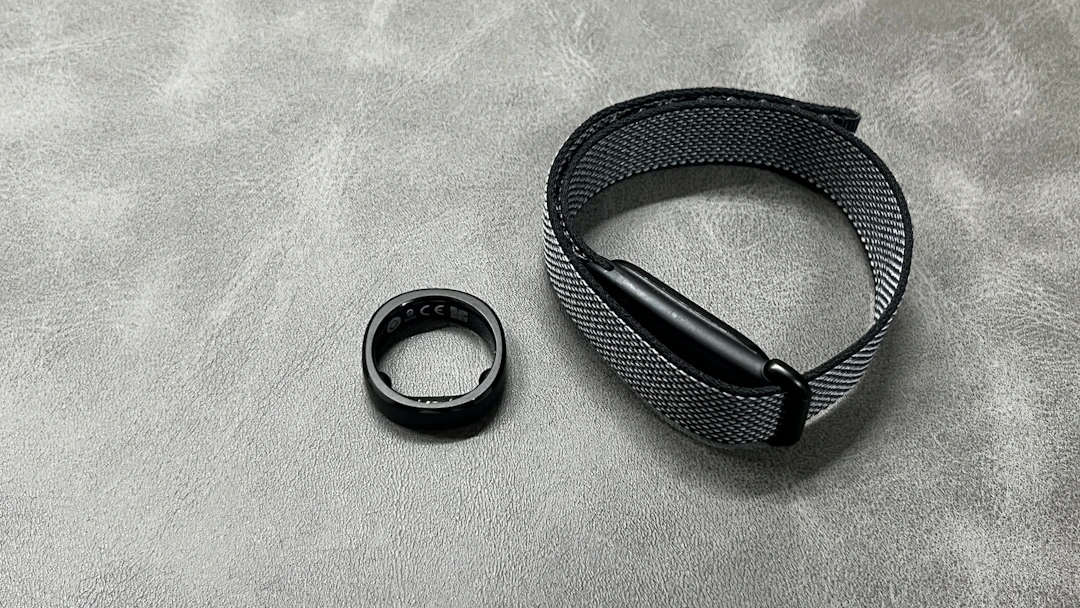
Here's how the heart rate comparison against the Google Fitbit Air came out under matched conditions.
Scenario | RingConn Gen 3 | Google Fitbit Air |
|---|---|---|
Resting heart rate | 83 bpm | 72 bpm |
After a ~2.5-mile jog | 154 bpm | 173 bpm |
The numbers differ, but not by enough to declare either one correct, and in practice it doesn't matter. Where the gap actually shows up is stability during exercise: the finger sensor shifts less than the wrist and throws fewer wild readings. If you're after accuracy while moving, the RingConn is the better bet.
Everything else it measures is close to the Gen 2. If you want the detail on that generation, I went through it in my RingConn Gen 2 review, along with a separate deep dive into its sleep data.
Verdict: the RingConn Gen 3 is the answer for loose, long-term health tracking
After a month with it, the RingConn Gen 3 is worth buying. I'd recommend it confidently to these people in particular.
- Anyone who wants to track sleep and daily health loosely, without ever taking the device off
- Anyone who wants heart rate during exercise to be more reliable than a wrist band's
- Anyone who wants a health device with no subscription attached
- Anyone who likes the feel of titanium alloy and a matte black that hides scratches
Three things to have in your head before you buy: (1) the extra step of sizing with the kit before you order, (2) the manual blood pressure entry needed to get the most out of vascular health trends, and (3) no wake-up alarm, plus an app you have to open deliberately. None of them are fatal, and the widget setup and a home blood pressure monitor cover them well enough.
A month in, the titanium body still looks new, and I can't find a single scratch on the matte black. Viewed as an investment in tracking your health, $349 isn't expensive. People will feel differently about that, but I couldn't bring myself to take this ring off. Whether it's your first smart ring or a replacement for one, it's an easy recommendation.